MO Discs, Zip Drives, and the Slow Death of Your Data: Lessons From the Format Graveyard
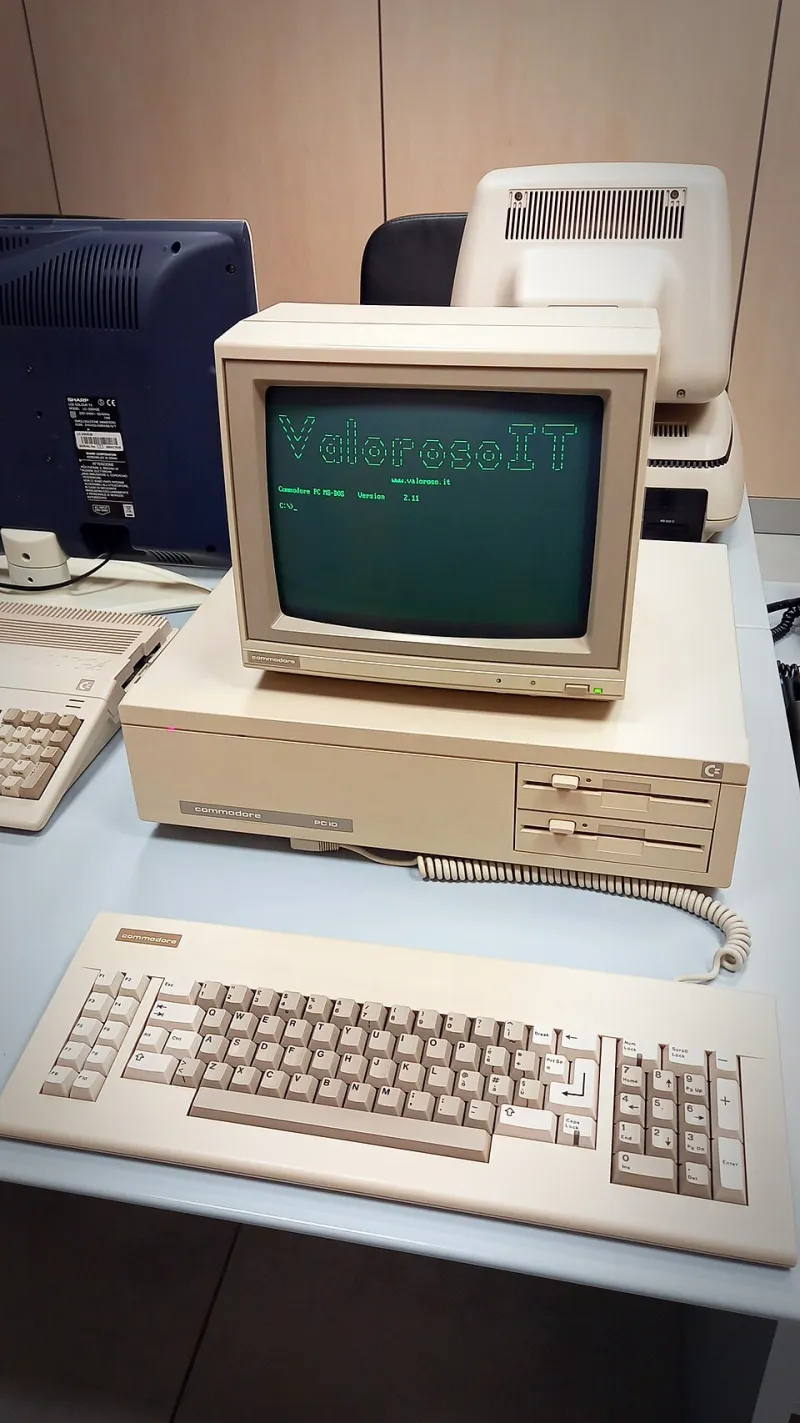
Photo: ValorosoIT, CC BY-SA 4.0, via Wikimedia Commons
Somewhere in a storage unit in Ohio, there's a box of magneto-optical discs holding roughly a decade of someone's design work. The discs are fine. Physically pristine. And completely unreadable, because the last working MO drive on the continent might be sitting in a collector's closet two states away.
That's the quiet horror of the format graveyard: storage media rarely dies alone. It takes its reader with it.
The Body Count So Far
Every generation of storage has left corpses, and the pattern is eerily consistent.
Iomega Zip disks were the darlings of the late '90s — 100MB felt limitless when your hard drive topped out at 4GB. Schools, newsrooms, and small businesses ran on them. Then CD burners got cheap, and Iomega's click of death became a punchline. Finding a working Zip drive today means trawling eBay and hoping the seller actually tested it.
Magneto-optical discs were the pro's choice: rugged, rewriteable, and genuinely reliable. Sony and Fujitsu made them for nearly two decades. The problem? The installed base was always niche, so when workstation makers dropped the interfaces, the drives evaporated fast.
FireWire external drives are the more recent casualty. Apple's connection standard was the backbone of creative work for 15 years, then Thunderbolt and USB-C showed up. Try finding a modern laptop with a FireWire port. You can't — and adapters are drying up as fast as the drives themselves.
MiniDisc, LaserDisc, SuperDisk, Ditto tape — the list goes on. Each one made sense at the time. Each one locked data behind hardware that stopped being manufactured, then stopped being repaired, then stopped existing.
The Keepers of Dead Hardware
Here's the part that doesn't make the headlines: a small, stubborn community keeps these formats on life support.
Enthusiast forums trade refurbished Zip drives like contraband. The retro-computing crowd maintains open-source tools like Greaseweazle and FluxEngine that read floppy and tape formats through generic hardware, bypassing the need for original controllers. Archive teams document pinouts and capacitor replacements so a 1998 drive can hum along in 2035.
These people are heroes, but they're also a warning. When your data's readability depends on hobbyists soldering recapped power supplies, you've already failed the planning stage. The graveyard has groundkeepers — you just don't want your family photos among them.
Why Formats Actually Die
It's almost never the medium. Optical discs from the '90s still spin fine. The death certificate usually lists one of three causes:
- Interface extinction. The data survives; the port to reach it doesn't. Serial, parallel, SCSI, FireWire — each connection standard's funeral takes a generation of drives with it.
- Driver rot. Modern operating systems drop support for old controllers. Your drive works, but Windows hasn't spoken its language since 2012.
- Mechanical scarcity. Motors, lasers, and belts fail. When the manufacturer's gone, every broken drive is one fewer on Earth.
Notice what's missing? "The discs degraded." Physical media usually outlasts the ecosystem around it. That's the lesson.
Rules for Choosing Formats That Survive You
So what does a modern hoarder do differently? A few field-tested rules:
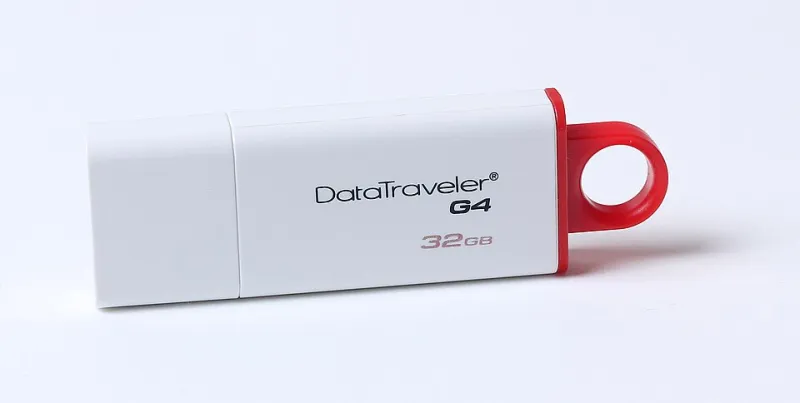
Rule one: standard interfaces only. USB-A and USB-C are about as universal as it gets. If a drive requires a proprietary dock, a dongle chain, or an adapter that only one company makes, treat it as temporary storage, not archival.
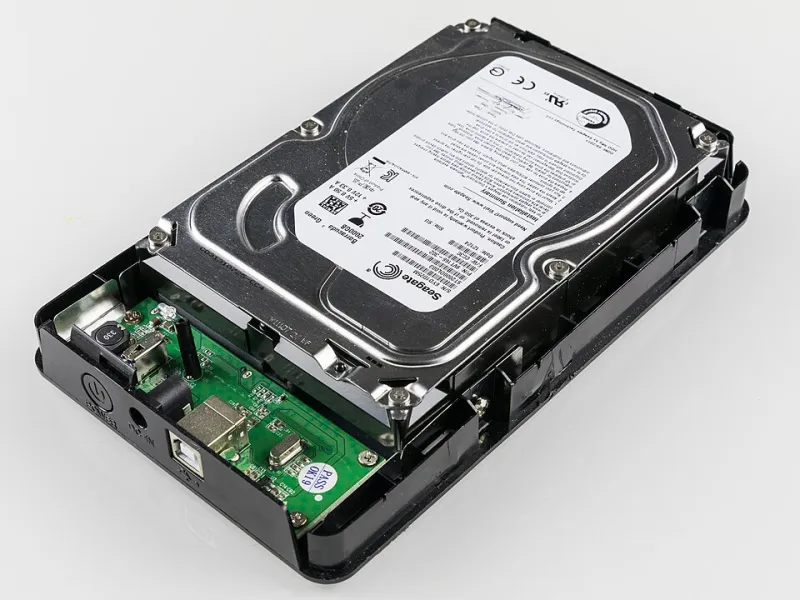
Rule two: boring beats clever. Externe SSDs and plain SATA drives in generic enclosures are unglamorous but replaceable. Exotic formats with amazing specs die first, because nobody else bought them.
Rule three: plan your migration date. Every five years or so, copy your archive to current hardware. Not because the old copy failed — because the readers around it did. Migration is the backup strategy.
Rule four: keep a plain-language map. A README.txt that says "this folder is the 2019 tax records, this is the wedding video, open the MP4s with anything" is worth more than any proprietary catalog software that won't run on the next OS.
Rule five: diversify the escape route. One copy on a local drive, one in the cloud, one offline. Different failure modes, different formats, different decades.
The Real Takeaway
The people mourning their MO discs didn't lose data to entropy. They lost it to a supply chain. The medium held; the machine to read it became unobtanium.
So audit your shelves. That FireWire drive from your Mac Pro era, the box of Zip disks in the garage, the external drive with the weird proprietary cable — pull the data off now, while adapters still exist on Amazon and the forums still have volunteers.
Formats don't warn you before they die. They just quietly become collectibles, and your files become archaeology. Migrate early, migrate often, and stick to the boring stuff. Your future self — the one holding an unreadable disc and a search engine full of dead links — will be grateful.