Your Aunt's .SIT File From 2003 Called. Here's How to Answer.
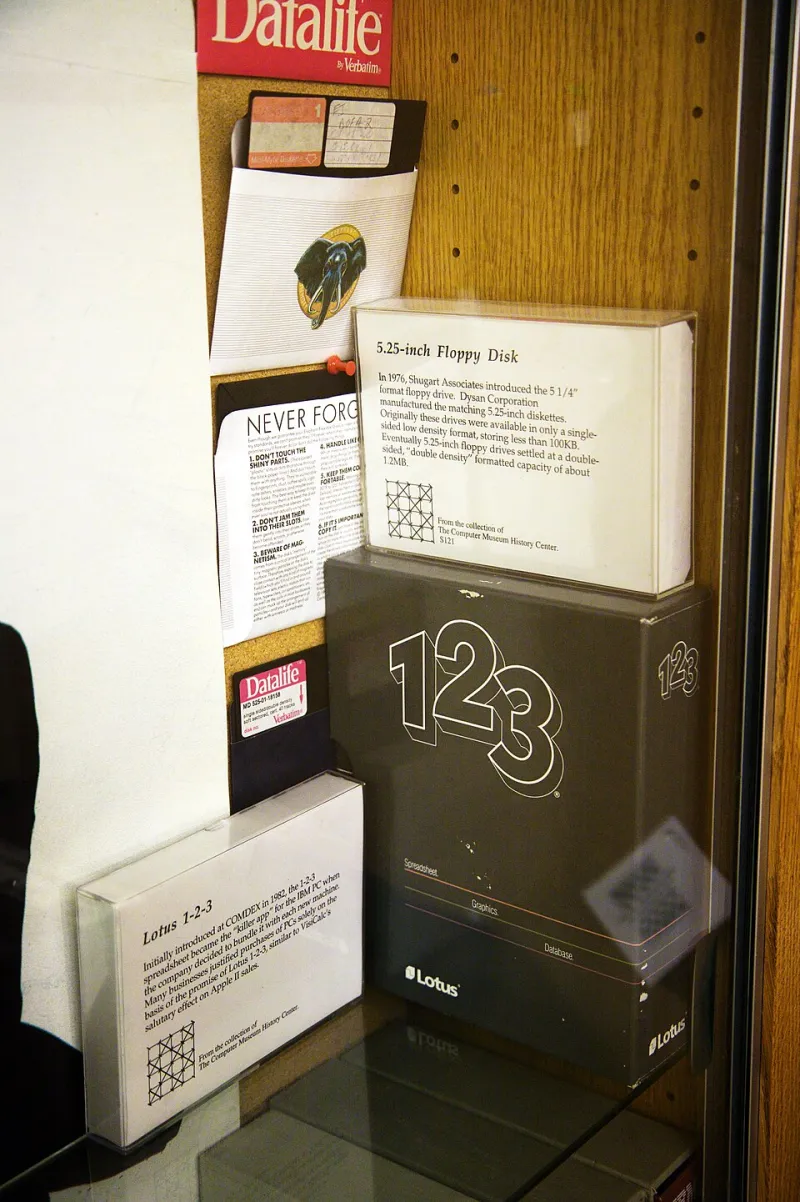
Photo: Marcin Wichary, CC BY 2.0, via Wikimedia Commons
Every power user has a moment they remember. Mine was a 40MB file called family_reunion_2004.sit that three different machines refused to touch. My aunt swore it worked "on the old Dell." It probably did — in 2004, on a Dell running software that stopped being updated before the iPhone existed.
If you manage downloads and storage for a household or a small business, you will eventually inherit someone else's digital archaeology. Here's how to dig it up without breaking a shovel.
First, Figure Out What You're Actually Looking At
Half the battle is identification. Windows hides extensions by default, which turns a simple problem into a guessing game. Turn them on: File Explorer → View → File name extensions. On macOS, it's Finder → Settings → Advanced → Show all filename extensions.
Now you can see what you're dealing with. The usual suspects:
- .sit / .sitx — StuffIt archives, the Mac world's answer to ZIP before ZIP won. Popular from the mid-'90s through the mid-2000s.
- .rar, .r00, .r01, .part1.rar — RAR archives, often split into chunks because someone burned them to CDs or uploaded them to a forum with file-size limits.
- .7z, .tar.gz, .bz2 — Not exactly fossils, but if you've never seen one, they might as well be hieroglyphics.
- .hqx, .bin, .toast, .dmg (old ones) — Mac disk images and BinHex encodings from the pre-OS X wilderness.
- .doc (not .docx), .wpd, .wps — WordPerfect and Works documents that modern Word sometimes opens badly, or not at all.
- .psd, .pict, .tga, .bmp exports — Ancient image formats that modern viewers drop support for when it's convenient.
The .SIT Situation
StuffIt is the classic "nobody can open this" format. The official StuffIt Expander still exists — Smith Micro maintains versions for macOS and Windows — and for most .sit and .sitx files, that's genuinely all you need. It's free, it's small, and it hasn't been asked to do anything ambitious in fifteen years, which works in its favor.
If the archive is truly ancient (pre-OS X, StuffIt 5 or earlier), you may need to run Expander on an older Mac or lean on an emulator. In practice, though, 90% of the .sit files floating around US family email chains extract fine with modern tools.
Split RAR Archives: The Multi-Part Monster
If you downloaded something and ended up with movie_backup.part1.rar through part4.rar, congratulations — you have a split archive, and it's useless as individual pieces.
The rules:
- Keep every part in the same folder. Rename nothing. One renamed part breaks the whole chain.
- Open only the first part. WinRAR, 7-Zip, or The Unarchiver (Mac) will follow the chain automatically.
- If a part is missing or corrupted, the whole thing dies. RAR includes recovery records sometimes — WinRAR can attempt a repair via Tools → Repair, but don't bet the farm.
7-Zip is free, open source, and handles RAR extraction (not creation, due to licensing) better than anything else at that price point. It should already be on your machine.
The Corrupted .docx That Won't Open
Modern formats fail differently. A .docx that refuses to open is usually one of three things:
- Actually a different format wearing a .docx name. Someone renamed a file instead of exporting it. Try opening it in LibreOffice, which is more forgiving than Microsoft Word about file-sniffing.
- Truncated download. Compare the file size against the source. Email clients that mangle attachments are a whole other article (spoiler: they're the subject of several on this site).
- Genuinely corrupted. Word has a built-in Open and Repair option — File → Open → click the dropdown next to Open → Open and Repair. It's buried and it's not magic, but it recovers text often enough to be worth two clicks.
For .wpd (WordPerfect) and .wps (Works) files, LibreOffice opens most of them. For stubborn cases, LibreOffice's command-line conversion or an online converter works — but think hard before uploading anything with personal info to a random converter site. That's a lesson this site has covered before, and the hard way.
When All Else Fails: The Format Museum
A few tools that belong in every power user's rescue kit:
- 7-Zip (Windows) / Keka or The Unarchiver (Mac) — opens nearly every archive format ever shipped.
- LibreOffice — opens legacy Office, Works, and WordPerfect files without a subscription.
- XnView MP or IrfanView — image formats your photo app gave up on decades ago.
- VLC — video containers from the AVI and WMV era, plus anything else with a codec.
- File (command line, built into macOS and Linux) — type
file mysteryfile.xyzand it tells you what the thing actually is, regardless of the extension. This one command has saved me more hours than I can count.
Future-Proofing: Don't Be the Person Who Sends the Fossil
The best fix for format rot is to never create it. A few habits:
- Use ZIP for sharing. It's boring, universal, and every OS since the Clinton administration opens it natively.
- Avoid split archives unless you genuinely need them. Cloud storage and modern email attachments (Gmail caps at 25MB, but most people use a Drive link anyway) have made multi-part files mostly obsolete.
- Convert on receipt, not on need. When you successfully open an old file, immediately save it in a current, open format — .docx, PDF, PNG, MP4. The fossil you excavate today shouldn't need excavating again in 2035.
- Keep one copy in the plainest format possible. PDF/A for documents, uncompressed or lossless for anything irreplaceable. Proprietary compression is where files go to die.
The Takeaway
File formats don't die of old age — they die of neglect. The tools to open them mostly still exist; they've just fallen out of the default install. Keep 7-Zip, LibreOffice, and VLC within reach, learn what extensions mean, and convert everything you rescue into something your future self (or your future niece, inheriting the family archive) can open without a history degree.
The 500GB email attachment nobody can open is a solvable problem. It just requires being the one person in the family who knows what a .sit file is. Someone's got to be that person. Might as well be you.