The Family Refuses to Use Your Server? Good. Make It Invisible.
Every home server project dies the same death. You spend a Saturday building it, demo it to your family with the enthusiasm of a TED speaker, and two weeks later the thing is humming in a closet while everyone's photos back up to a corporate cloud and the TV streams from somebody's app subscription.
The problem isn't the hardware. It's that you built a project instead of a utility. Nobody in your house wants to learn a new system. They want their photos on the TV and their files to not disappear. So the winning move is to make the server invisible — no logins, no apps to learn, no jargon. If a family member can tell a server is involved, you've already lost.
The Parts List: $300, Realistically
You don't need a rack. A used mini-PC or a retired desktop from the garage gets you 90% of the way there.
- Used mini-PC (Dell OptiPlex micro, Lenovo ThinkCentre Tiny, HP EliteDesk mini): $80–$150 on eBay. These are off-lease corporate machines, so they're everywhere, quiet, and sip power.
- RAM: 16GB is plenty. Many used units ship with it; otherwise add $25.
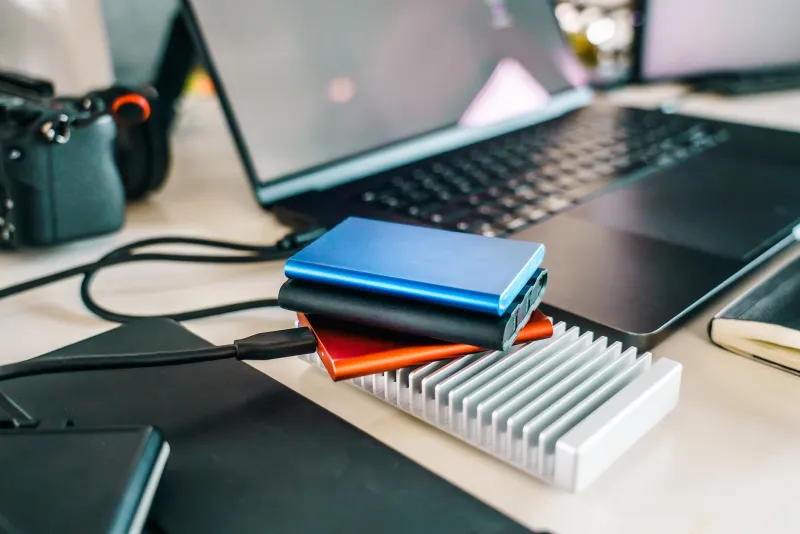
- Storage: One 2TB SATA SSD (~$100) for the OS and important files, plus whatever old external drives you have lying around for media.
- UPS (optional but smart): A small battery backup, $50 used, so a storm in the middle of a photo sync doesn't corrupt anything.
Total: right around $300 new-invoice, less if you scavenge. The mini-PC route beats repurposing a full desktop if you care about your electric bill — a micro unit idles around 10 watts, which matters when it runs 24/7.
The Three Apps That Do Everything
Keep the software stack boring. Boring is reliable.
Jellyfin is your media server — think of it as your own private streaming service for movies, home videos, and that folder of digitized camcorder tapes from 1998. It puts a Netflix-style interface on your own files, and it works on every TV, phone, and tablet in the house.
Syncthing handles file sync between devices without any cloud middleman. Install it on the server and everyone's laptop or phone, point shared folders at the server, and files replicate automatically.
An automatic photo backup closes the loop. Syncthing can do it, or you can point your phones' camera-roll folders at a synced directory. Every photo lands on the server the moment the phone touches your Wi-Fi.
The Adoption Trick: Remove Every Decision
Here's the part that separates servers that live from servers that get unplugged. Your family should never have to:
- Log in to anything. Jellyfin runs on the TV app with "remember me" checked. Photos sync in the background with zero taps.
- Know the server's name. It's not "HOMENAS-SERVER." It's the thing that made their pictures show up on the TV.
- Ask you for help. If your spouse needs a three-step process to find Thanksgiving photos, they'll quietly go back to Google Photos and you'll have nobody to blame.
The pitch isn't technical. It's: "Your photos are on the TV now" and "Your laptop can die and the pictures won't." Demo the result, not the infrastructure. Then walk away and let them discover it.
The Three Settings That Prevent the Wi-Fi Blame Game
Every home server admin eventually hears it: "The internet's been slow since you built that thing." Get ahead of it with three settings.
1. QoS (Quality of Service) on your router. Prioritize video calls and browsing, and cap the server's bandwidth share. When Syncthing decides to push 40GB of vacation photos at 7 p.m. — peak Netflix hours — QoS keeps the server from strangling everyone's streaming.
2. Scheduled sync windows. Set Syncthing or your backup jobs to run overnight, say 2–5 a.m. Phones charge while everyone sleeps; the transfer happens while nobody's fighting over bandwidth. This one setting eliminates most complaints before they exist.
3. Ethernet for the server. A $10 cable means the server never touches Wi-Fi at all. Half of "the Wi-Fi is slow" incidents are a device saturating the airwaves, and a wired server simply can't be the culprit.
The Payoff
A year in, the scoreboard looks like this: no monthly cloud storage bill for photo backups, a media library that works during internet outages, and a family that thinks the house is just nicer now without knowing why. That's the goal. The best home server isn't the one with the most impressive dashboard — it's the one nobody in your house ever has to think about.
Set it up on a rainy Saturday, hide the cables, and let invisibility do the adoption work for you.